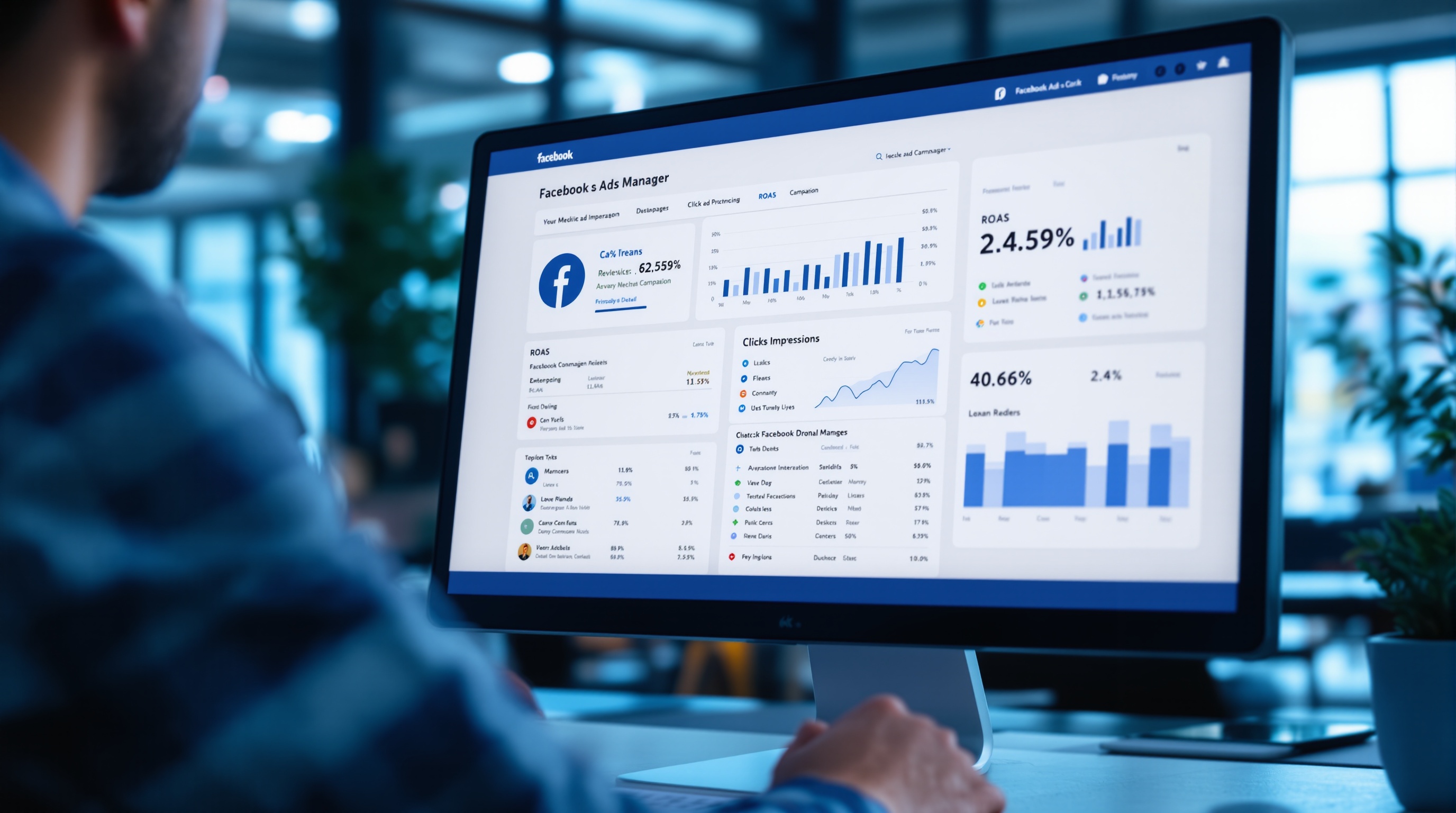
Facebook advertising is one of the most powerful tools available to small businesses — and one of the easiest to waste money on. The platform gives you access to over 3 billion active users, the ability to target them with extraordinary precision, and a budget threshold low enough that any business can start. That same accessibility means millions of businesses are running ads with no real strategy, burning through budget, and concluding that Facebook ads do not work.
They do work. But they require understanding how the platform operates, what makes an ad effective, and how to read the data to know whether your campaigns are performing or wasting your money. This guide covers all of it.
Before You Run a Single Ad: Get the Basics in Place
Before spending a dollar on Facebook advertising, three things need to be set up correctly. Skip any of these and you are building on a broken foundation.
Facebook Business Manager
Facebook Business Manager (now called Meta Business Suite) is the central hub for all your Meta advertising activity. It houses your ad accounts, your Facebook page, your pixel, and your team's access. Create a Business Manager account at business.facebook.com and connect your Facebook page to it. Do not run ads from a personal profile — it limits your options and creates problems as you scale.
The Meta Pixel
The Meta Pixel is a small piece of code you install on your website that tracks visitor behavior — who came from your ads, what pages they visited, and whether they converted. Without the pixel, you cannot retarget website visitors, build lookalike audiences from your customers, or accurately measure whether your ads are generating results. Install it before you run your first campaign. On a Squarespace, WordPress, or Shopify site, it takes about five minutes.
A Landing Page Worth Sending Traffic To
The most expensive mistake in Facebook advertising is sending people to a homepage or a poorly designed page that does not convert. Your ad creates interest. Your landing page closes the deal. If your landing page is confusing, slow to load, or does not have a clear single call to action, even the best ad will produce terrible results. Before launching, make sure the page you are sending people to clearly states who you are, what you do, why it matters, and what to do next.
Understanding Campaign Structure
Facebook advertising has three levels of organization: campaigns, ad sets, and ads. Understanding this structure is essential before you can manage campaigns effectively.
Campaign Level: Your Objective
The campaign is where you set your objective — what you want Facebook to optimize for. Common objectives include Leads (people who fill out a form), Traffic (people who visit your website), Conversions (specific actions taken on your site), and Awareness (reaching as many people as possible). Choosing the right objective is critical. If you want form submissions, choose Leads. If you run an e-commerce store, choose Conversions. If you pick the wrong objective, Facebook will optimize for the wrong outcome — and your results will reflect it.
Ad Set Level: Your Audience and Budget
The ad set is where you define who sees your ad, where it appears, and how much you spend. This is where targeting lives — and where most beginners make their most costly mistakes. More on targeting below.
Ad Level: Your Creative
The ad is what people actually see: the image or video, the headline, the body copy, and the call to action. A single ad set can contain multiple ads — which is useful for testing different creative approaches against the same audience.
Audience Targeting: The Most Important Variable
Facebook's targeting capabilities are what set it apart from almost every other advertising channel. You can reach people based on location, age, gender, interests, behaviors, income level, life events, and dozens of other data points. Used correctly, this lets you put your offer in front of exactly the right people. Used incorrectly — targeting too broadly or too narrowly — it kills results before your ad creative has a chance to work.
Cold Audiences (New Prospects)
A cold audience is people who have never heard of your business. There are two main types of cold targeting on Facebook.
Interest and demographic targeting: You select characteristics of your ideal customer — location, age, interests, job titles, behaviors. Facebook finds users who match. This is the most common starting point for new advertisers. The key is being specific enough to reach people likely to buy, but not so narrow that the audience is too small for the algorithm to work with. A target audience size of 100,000 to 2 million is a reasonable range for most small businesses.
Lookalike audiences: You give Facebook a source — your customer list, your website visitors, your existing leads — and it finds new people who share the same characteristics. Lookalike audiences consistently outperform standard interest targeting when the source audience is large enough (at least 300 to 1,000 people). They require the Meta Pixel to be generating data or a customer list to upload, which is why setting up the pixel from day one matters.
Warm Audiences (Retargeting)
Warm audiences are people who have already interacted with your business — visited your website, watched your videos, engaged with your Facebook page, or submitted a form but did not convert. Retargeting these people is almost always the most cost-effective campaign you can run. They already know who you are, which means the barrier to conversion is lower and costs per result are significantly cheaper than cold traffic campaigns.
A basic retargeting setup for most businesses: one ad set targeting all website visitors from the last 30 to 60 days, with ads that address the reason they might not have converted — a testimonial, an FAQ, a strong offer, a case study.
Ad Creative: What Actually Makes People Stop Scrolling
In 2026, the average Facebook user is exposed to hundreds of ads per day. The only ads that generate results are the ones that interrupt the scroll — that catch someone's attention in the 0.3 seconds they spend deciding whether to keep scrolling or pause.
Video vs. Image
Video consistently outperforms static images in most categories — it captures attention longer, communicates more information, and tends to generate lower costs per result. Short-form video (15 to 30 seconds) performs especially well on Facebook and Instagram placements. That said, a strong static image with a compelling headline can absolutely beat a mediocre video. Test both.
The Hook Is Everything
Whether you are running a video or a static image, the first element someone sees is the hook — the opening frame of your video or the visual of your image. If the hook does not immediately communicate something relevant and interesting to your target audience, they scroll past. The best hooks address a pain point directly ("Still losing leads because your follow-up is slow?"), make a bold claim ("We booked 47 new appointments for this roofing company in 30 days"), or create curiosity that can only be resolved by engaging with the ad.
The Ad Copy
The body copy of your ad should do one job: give people enough context to click. It does not need to close the sale — that is the landing page's job. Keep it focused on one clear message, address the reader's biggest concern or desire, and end with a specific call to action. "Book your free strategy call" is stronger than "Learn more."
Budgeting: How Much to Spend and How to Allocate It
Facebook advertising budgets can be set at the campaign level (Campaign Budget Optimization) or the ad set level. For most beginners, Campaign Budget Optimization is the simpler starting point — you set a total daily budget and let Facebook distribute it across your ad sets based on performance.
Minimum Viable Budget
Facebook needs data to optimize, and data costs money. Running a campaign on $5 per day produces so few impressions and results that the algorithm cannot learn effectively. For meaningful results and useful data, budget at least $30 to $50 per day per campaign. That translates to $900 to $1,500 per month for a single campaign — which is the minimum investment that gives you a realistic chance of evaluating whether the campaign is working.
How to Allocate Across Campaign Types
A practical starting allocation for a service business with a $2,000/month ad budget:
- Cold traffic campaign (lead generation): $1,400/month — reaching new prospects
- Retargeting campaign: $600/month — converting website visitors who did not take action
Once your retargeting audience builds to a meaningful size (1,000+ people), shift more budget toward retargeting — it will consistently outperform cold traffic on a cost-per-lead basis.
What to Track and How to Know if It Is Working
Facebook Ads Manager shows dozens of metrics. Most of them are vanity metrics — they look impressive but do not tell you whether your campaigns are generating revenue. Focus on these.
Cost Per Result
Your cost per result is the most important metric in any campaign. If your campaign objective is leads, this is your cost per lead. If it is conversions, this is your cost per conversion. Set a target cost per result before you launch — based on your average customer value and close rate — and use it to evaluate whether the campaign is viable. If your average customer is worth $3,000 and you close 1 in 5 leads, you can afford up to $600 per lead and still profit. If your cost per lead is $30, you have significant room to scale.
Click-Through Rate (CTR)
CTR measures what percentage of people who saw your ad clicked on it. A strong CTR for Facebook ads is 1% or higher. Below 0.5% usually means the ad creative or targeting needs work — people are seeing the ad and choosing not to engage. A high CTR with a low conversion rate usually means the landing page is the problem, not the ad.
Return on Ad Spend (ROAS)
ROAS is the revenue generated per dollar spent on ads. A ROAS of 3x means you generated $3 in revenue for every $1 spent. For e-commerce, a target ROAS of 3x to 5x is typical for a profitable campaign. For service businesses where revenue is harder to attribute directly to ads, tracking cost per lead and lead-to-close rate gives you the equivalent data.
The Learning Phase and Why You Should Not Kill Campaigns Too Early
When you launch a new ad set, Facebook enters a learning phase — a period where the algorithm is gathering data and experimenting with who to show your ad to. This phase typically lasts one to two weeks or until your ad set has generated 50 optimization events. During this phase, performance is often erratic. Costs may be higher than expected. Results may be inconsistent.
The most common beginner mistake is killing a campaign during the learning phase because results look bad in the first few days. Give it two weeks before drawing conclusions. Significant edits to the campaign — changing the audience, budget, or creative — restart the learning phase, which is why frequent changes early on hurt more than they help.
"Facebook ads reward patience and iteration. The businesses that succeed are not the ones who found the perfect campaign on the first try — they are the ones who tested, learned, and kept improving month after month."
Common Mistakes That Waste Budget
- No pixel installed. Running ads without the pixel means no retargeting, no lookalike audiences, and no accurate conversion data. Set it up first.
- Wrong campaign objective. Using Traffic campaigns when you want leads means Facebook optimizes for clicks, not form fills — and you pay for traffic that never converts.
- Audience too narrow. Targeting an audience under 50,000 people limits the algorithm's ability to find the right people within that pool. Broaden your targeting and let Facebook's AI do more of the work.
- Too many ad sets at too small a budget. Running five ad sets at $5/day each gives each one so little data that none of them can learn effectively. Fewer ad sets with more budget per set produces better results.
- Sending ads to the homepage. Always send paid traffic to a dedicated landing page with one clear call to action. Your homepage has too many options and too much competing information.
- Changing campaigns too frequently. Every time you make significant changes to a running ad set, you restart the learning phase. Let campaigns run for at least two weeks before evaluating performance.
When to Hire Someone to Manage Your Facebook Ads
Facebook advertising is learnable — but it takes real time and experience to do well. At budgets under $1,000 per month, managing campaigns yourself can make sense if you have the time to learn. Above $1,000 per month, the cost of professional management is typically offset by reduced waste and better results within the first month or two.
A professional Facebook ads manager brings experience running campaigns across dozens of accounts, a tested framework for campaign structure and testing, and the ability to spot problems quickly rather than discovering them after weeks of wasted spend. If you are spending more than $1,500 per month and not seeing consistent, trackable results, that is a clear signal to bring in professional help. For more on what professional ad management includes and costs, read our Meta Ads for small businesses guide.
Frequently Asked Questions
How much does it cost to run Facebook ads?
Facebook ads can technically be run for as little as $1 per day, but you need at least $500 to $1,000 per month to gather meaningful data and generate consistent results. Most small businesses running lead generation campaigns spend $500 to $3,000 per month on ad spend. Service businesses typically see costs of $10 to $50 per lead from well-managed campaigns.
How long does it take for Facebook ads to work?
Facebook's algorithm typically needs one to two weeks and at least 50 conversions to exit the learning phase and optimize properly. After the learning phase, well-structured campaigns usually stabilize and improve over the following weeks. Plan on three to four weeks before drawing firm conclusions about whether a campaign is working.
Should I run Facebook ads myself or hire someone?
If you have never run Facebook ads before and your budget is under $1,000 per month, learning to manage them yourself can make sense. Above $1,000 per month, hiring a professional typically pays for itself in reduced wasted spend and better results. A professional manager also frees you from the ongoing work of monitoring and optimizing campaigns while you focus on running your business.
Ready to Run Facebook Ads That Actually Generate Leads?
We manage Facebook and Instagram ad campaigns for businesses that want consistent, trackable results — not just impressions and reach. Book a free strategy call and we will review your current setup and show you exactly what a profitable campaign looks like for your business.
Book My Free Strategy Call →