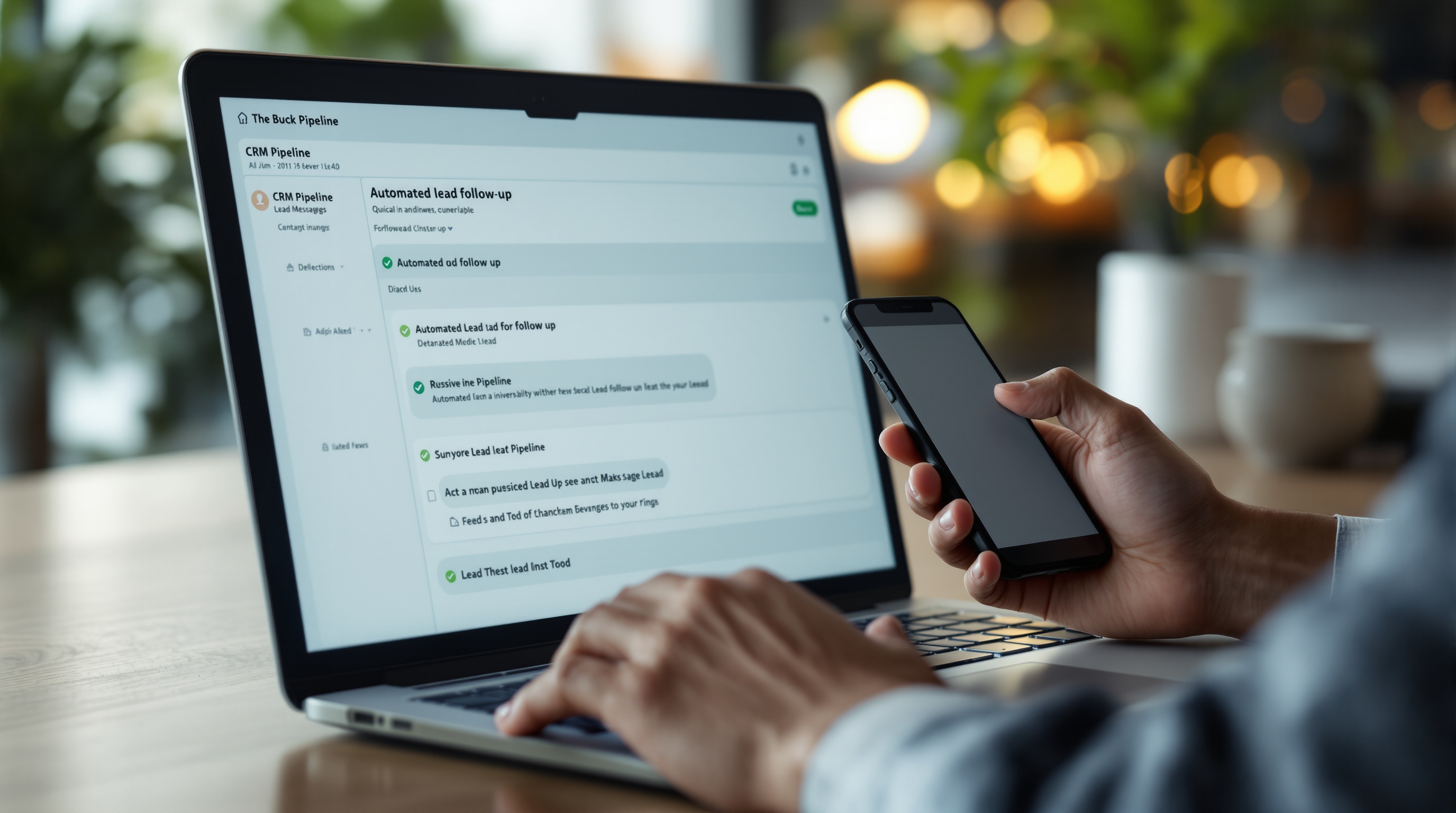
You spend real money getting people to raise their hand — ads, SEO, referrals. Then a lead comes in, and someone on your team gets to it two hours later. Maybe the next day. By then, that prospect already booked with your competitor.
This isn't a sales team problem. It's a systems problem. And it's fixable today.
In this guide, I'm going to show you exactly how to automate lead follow-up — from the moment someone fills out your form to the point they're booked on your calendar or marked as closed. No fluff, no theory. Just the sequence, the tools, and the words that work.
Why Businesses Lose Leads (The Real Reason)
Speed is the single biggest variable in whether you close a lead or lose them. The data is brutal and clear:
- 78% of customers buy from whoever responds first — not cheapest, not best reviewed, first.
- Leads contacted within 5 minutes are 100x more likely to connect than those contacted after 30 minutes.
- After the first hour, your odds of qualifying a lead drop by 60%.
- Most businesses take 47 hours to respond to a web lead — if they respond at all.
The window isn't days. It's minutes. And no human team, no matter how motivated, can consistently respond within minutes across every channel, every day, including weekends and evenings.
That's what automation solves. Not replacing your people — freeing them to work the leads that are already warm instead of chasing cold ones.
If you want to understand the broader picture of what AI automation is and how it changes the way businesses operate, that post gives you the foundation. But right now, let's build your lead follow-up machine.
What Automated Lead Follow-Up Actually Looks Like
Automation isn't a single text message. It's a sequence — a chain of touchpoints that fire at the right time, in the right order, through the right channels, without anyone on your team lifting a finger.
Here's what a complete sequence looks like from a bird's-eye view:
- Instant (0 minutes): SMS text fires the moment the form submits
- 1 hour: Follow-up email with more context and a clear next step
- 24 hours: Second touchpoint — different channel, different angle
- 3 days: Re-engagement message for leads who haven't responded
- 7+ days: Long-term nurture for leads that aren't ready yet
The goal isn't to spam anyone. It's to make sure that every lead — every person who showed interest in your business — gets a fast, professional, human-sounding response before your competitor does.
The Tools That Power Lead Follow-Up Automation
You don't need to build anything from scratch. These platforms handle the heavy lifting:
GoHighLevel
The most complete all-in-one platform for businesses that want everything in one place — CRM, SMS, email, pipelines, calendars, and workflows. If you're running a service business and you want lead follow-up automated end-to-end without patching five different tools together, this is the platform. It's what we use with most of our clients.
HubSpot
A strong choice for companies that need enterprise-level CRM features, deep reporting, and tight integration with a sales team. The free tier is genuinely useful, and the paid plans scale well. Better for B2B companies with longer sales cycles than for high-volume service businesses.
Zapier
The connector layer. If your lead source (Facebook Lead Ads, Typeform, your website form) doesn't natively integrate with your CRM, Zapier bridges the gap. You create a "Zap" that triggers when a new lead comes in and pushes the data where it needs to go. No code required.
Make (formerly Integromat)
More powerful than Zapier for complex, multi-step automations. If you're routing leads through conditional logic — different sequences based on service type, location, or budget — Make handles it without the per-task pricing that makes Zapier expensive at scale.
For most businesses, the stack is: GoHighLevel + your existing lead sources. Everything else is for edge cases or more complex operations. Read our CRM automation guide for a deeper look at how these platforms work together inside a real business setup.
Setting Up the Follow-Up Sequence: Step by Step
Step 1 — Immediate Text (0 Minutes)
The moment a lead submits a form, an SMS fires. Not five minutes later. Immediately. This is non-negotiable.
What to say:
"Hey [First Name], this is [Your Name] from [Company]. I just got your message — thanks for reaching out. I'll give you a call within the next 15 minutes. If now works, reply YES and I'll call right away."
Keep it short, personal, and give them a clear action. The goal is to create a two-way conversation before anyone else does.
Setup in GoHighLevel: Create a workflow triggered by "Contact Created" or "Form Submitted." Add an SMS action with your template. Done. The whole setup takes under 10 minutes.
Step 2 — 1-Hour Email
Not everyone reads texts immediately. One hour after the form submit, an email fires. This one can be slightly longer and include more context.
What to say:
Subject: Quick follow-up — [Company Name]
Hi [First Name],
I wanted to make sure you got my text. We received your inquiry and I want to make sure we connect.
[1-2 sentences about what you do and the problem you solve].
Click here to grab a time on my calendar: [Calendar Link]
Or just reply to this email — I respond fast.
— [Your Name]
Notice there's no pitch deck here, no wall of text. One clear next step: book a call or reply.
Step 3 — 24-Hour Follow-Up
If the lead hasn't responded to the text or email, you send another touchpoint at the 24-hour mark. Switch the channel if possible — if your first two were SMS and email, make this a voicemail drop or a different email angle.
What to say (email version):
Subject: Still thinking it over?
Hi [First Name],
Just checking back in. I know things get busy. If you're still looking for help with [their problem area], I'd love to spend 15 minutes learning what you need.
No pressure, no pitch — just a conversation.
[Calendar Link]
— [Your Name]
The tone shift matters here. You're not chasing — you're offering space and removing pressure.
Step 4 — 3-Day Re-Engage
Three days out, send a different angle entirely. Don't repeat what you've said. Offer something — a resource, an insight, a relevant case study — to give them a reason to re-engage beyond just "are you interested yet?"
What to say:
Subject: Something that might help
Hi [First Name],
I wanted to share something quickly. [One relevant insight, stat, or short case study relevant to their situation].
If that resonates, I think our conversation would be worth your time. Here's a link to book: [Calendar Link]
Either way, I hope it's useful.
— [Your Name]
This keeps the relationship warm without feeling like you're pestering them. It demonstrates expertise. And it gives people who were interested but distracted a natural moment to re-engage.
Step 5 — Long-Term Nurture (7+ Days)
Leads who haven't responded after 4 touchpoints in 3 days should move to a long-term nurture sequence — a slower drip of value-based emails over the next 30–90 days. Share blog posts, case studies, or industry insights. Keep your name in their inbox until they're ready.
Most deals that close from long-term nurture close between 30 and 90 days after the original inquiry. The sequence keeps you in the game without manual effort.
What Each Touchpoint Should Accomplish
Every message in your sequence needs one job. If it tries to do more than one thing, it usually fails at both.
- Immediate text: Confirm receipt and start a two-way conversation
- 1-hour email: Provide context and offer a next step (calendar link)
- 24-hour follow-up: Reduce pressure and reopen the door
- 3-day re-engage: Add value and create a natural re-entry point
- Long-term nurture: Stay visible until they're ready to buy
What you're building isn't a sales funnel. It's a relationship sequence that respects the lead's timeline while making sure your business stays front of mind.
How to Know If Your Automation Is Working
Automation without measurement is just noise. Track these four metrics from day one:
Response Time
Your first automated touchpoint should fire within 60 seconds of a form submit. If it's taking longer, your trigger is broken or your tool is slow. Fix it immediately. The whole strategy depends on speed.
Open Rate
For follow-up emails, aim for 30%+ open rates. If you're below 20%, your subject lines are the problem — not your offer. Test two subject lines against each other for 30 days and go with the winner.
Reply and Callback Rate
What percentage of leads are responding to any touchpoint in the sequence? If this number is below 10%, your messaging angle needs work. Look at the language — are you talking about their problem or about yourself?
Lead-to-Appointment Conversion Rate
This is the metric that ties back to revenue. Of every 100 leads that enter your sequence, how many book a call or appointment? Industry average is around 5–15%. If you're above that, your system is working. If you're below it, the sequence is working but the messaging isn't converting — time to rewrite the copy.
Most CRMs (GoHighLevel, HubSpot) give you these numbers out of the box in your pipeline reports. Check them weekly, not daily — daily variance is noise, weekly trends are signal.
Common Mistakes That Kill Lead Follow-Up Sequences
- Waiting to send the first message: If it's not instant, you've already lost ground. Five-minute delays in SMS delivery are not acceptable — use a platform with reliable delivery.
- Generic openers: "Hi there, thanks for your interest" is forgettable. Use their first name and reference something specific to their inquiry.
- Too many asks in one message: One CTA per message. One.
- Stopping too early: Most businesses give up after two follow-ups. The research shows most responses come after the third or fourth touchpoint.
- No off-ramp for buyers: Make it easy for someone to book or say "not interested." If they have to dig to find your calendar link, they won't. Put it in every message.
Frequently Asked Questions
How quickly should I follow up with a new lead?
Within 5 minutes — ideally, within 60 seconds via automation. Studies consistently show that responding within the first 5 minutes makes you 100x more likely to connect with a lead than waiting even 30 minutes. An automated system sends the first message the moment a lead submits a form, so no manual effort is required and the clock never starts late.
What tools do I need to automate lead follow-up?
You need a CRM with automation capabilities (GoHighLevel, HubSpot, or Salesforce), a way to trigger workflows from your lead sources (native integrations or Zapier/Make), and the ability to send both SMS and email from a single platform. GoHighLevel is the most complete all-in-one option for businesses that want CRM, SMS, and email handled without managing multiple subscriptions. If you want to see how these tools work inside a real operation, our CRM automation service walks through exactly how we set this up for clients.
How do I know if my lead follow-up automation is working?
Track four core metrics: response time (should be under 5 minutes for the first touch), open rates on your follow-up emails (30%+ is healthy), reply or callback rate from your sequences, and lead-to-appointment conversion rate. If your response time is fast but conversions are low, the problem is your messaging — not your automation. Rewrite the copy, test it for 30 days, and compare.
Ready to Stop Losing Leads to Slow Follow-Up?
We build complete lead follow-up systems — sequences, CRM setup, integrations, and the copy that converts. Most clients are live within a week and seeing results within the first month. Let's talk about what this looks like for your business.
Get Your Follow-Up System Built →