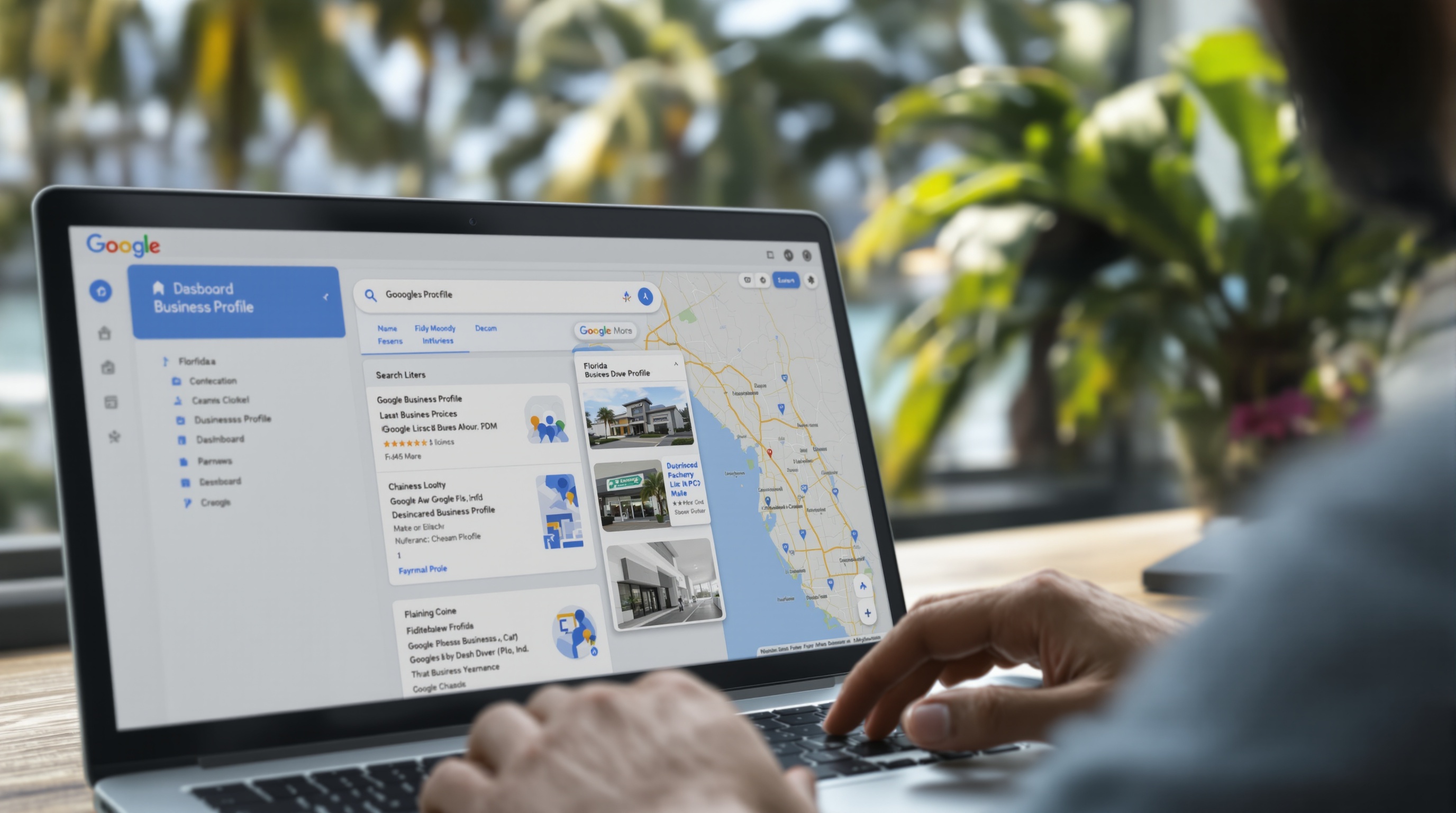
If you run a local business in Florida and you haven't claimed your Google Business Profile — or you set it up years ago and never touched it again — you're leaving money on the table every single day. Google Business Profile (GBP) is the most powerful free marketing tool available to local businesses, full stop. It's what puts you on the map when someone in Palm Coast, Jacksonville, or Orlando searches for the service you provide.
This guide walks you through setup step by step, explains what actually matters for ranking, and covers the mistakes Florida businesses make that cost them customers. If you want to go deeper on the broader strategy behind local search, check out our local SEO guide after you finish here.
Why Google Business Profile Is Your Most Important Free Marketing Tool
Before we get into setup, understand what's at stake. When someone in your city searches "plumber near me" or "best HVAC company in [your town]," Google returns a map pack — three businesses listed above the organic results. That map pack gets the majority of clicks for local searches. If you're not in it, you're invisible to buyers who are ready to spend money right now.
Your GBP is what determines whether you show up in that map pack. A completed, optimized, actively managed profile outperforms a neglected one every time. And unlike paid ads, you're not spending a dollar per click.
Florida's market makes this even more urgent. The state's population grows every year. New residents don't have go-to local businesses yet — they're searching Google for everything. Tourists and seasonal visitors do the same. The window to capture those searches is your GBP.
Step-by-Step: Setting Up Your Google Business Profile
Step 1 — Claim or Create Your Profile
Go to business.google.com and sign in with your Google account. Search for your business name. If it already exists (Google sometimes auto-generates listings), claim it. If it doesn't, select "Add your business to Google."
Use the exact legal business name — no keyword stuffing. Writing "Joe's Roofing — Best Roofer in Palm Coast Florida" as your business name violates Google's guidelines and can get your profile suspended.
Step 2 — Choose Your Primary Category
This is the single most important ranking decision you'll make. Your primary category tells Google what your business does. Be specific. "Roofing contractor" beats "contractor." "Digital marketing agency" beats "business service."
Search Google for your target keyword, look at the top three map pack results, and check their categories using a tool like GMB Everywhere or by inspecting their profiles. Match what's working.
Step 3 — Set Your Location or Service Area
If customers come to your location (a store, office, or restaurant), enter your physical address. If you go to customers — like a landscaper, electrician, or home cleaner — set a service area instead, and hide your address if you work from home.
For service-area businesses in Florida, add every city and county you actually serve. Don't over-extend — if you don't realistically serve Orlando from Palm Coast, don't list it. Google cross-references this against your reviews and activity.
Step 4 — Add Your Hours and Contact Info
Set accurate hours, including holiday hours when relevant. Inconsistent hours are a trust signal in the wrong direction — if Google shows you open and a customer drives over to find you closed, expect a bad review. Add your phone number, website, and appointment link if you take bookings.
Step 5 — Verify Your Business
Google requires verification before your profile goes live. Options include postcard, phone, email, video, or live video call. For most Florida businesses, the postcard arrives within 1–5 business days. Video verification is faster if it's offered to you. Don't skip this step — an unverified profile doesn't show in search.
Writing a GBP Description That Actually Works
You get 750 characters for your business description. Use them deliberately. The first 250 characters show without expansion, so lead with your most important information.
Structure it like this:
- What you do — be specific about your services
- Who you serve — name the Florida cities or regions you work in
- What makes you different — years in business, specialization, a real differentiator
- A call to action — "Call us" or "Request a free estimate"
Include your target keywords naturally. If you're a pressure washing company in Flagler County, use "pressure washing," "roof cleaning," and "Flagler County" in the description. Don't stuff every keyword you can think of — write it for a human, not an algorithm.
Avoid generic filler like "We are dedicated to providing excellent service." That sentence says nothing. Every competitor writes it. Replace it with something specific: "We've cleaned over 2,000 driveways, roofs, and pool decks across Flagler and Volusia County since 2015."
Adding Secondary Categories
After your primary category, add secondary categories for every distinct service you offer. A landscaping company might add "lawn care service," "tree service," and "irrigation system contractor" as secondary categories. This expands the keyword surface area Google uses to match your profile to searches.
You can add up to 9 additional categories. Don't pad it with irrelevant ones — stick to services you actually provide. Secondary categories that don't match your reviews, website, or activity can dilute your relevance signals.
Photos That Help (and the Ones That Hurt)
Photos are the most underused part of GBP for Florida businesses. Most owners either upload nothing or grab a few stock images. Both are mistakes.
Photos to add immediately:
- Logo — used as your profile icon across Google search and maps
- Cover photo — the banner image on your profile; use a real photo of your team, location, or best work
- Team photos — faces build trust; customers want to know who's showing up at their door
- Work examples — before/after if applicable, completed projects, your product in use
- Location or vehicles — your storefront, office exterior, or branded service vehicles
Photos to avoid:
- Stock photos — Google can detect them and customers recognize them instantly
- Low-resolution images shot in bad lighting
- Photos with text overlays or logos burned in (Google may reject these)
Aim for at least 10 photos at setup. Add new ones every month. Profiles with 100+ photos get significantly more engagement than those with fewer than 10. A smartphone camera is fine — good lighting and a clean background matter more than professional equipment.
Getting Google Reviews — and What to Do With Them
Reviews are one of the top ranking factors for local search. More reviews, higher average rating, and recent review activity all push your profile up in the map pack. But most Florida businesses handle reviews completely wrong.
How to get more reviews:
- Ask every satisfied customer directly — at the end of a job, over the phone, or in a follow-up text
- Create a short review link from your GBP dashboard and send it via text or email
- Add your review link to your email signature, invoices, and receipts
- Train your team to ask — if employees interact with customers, they should be asking for reviews
Don't buy reviews. Don't ask employees to leave reviews from the office. Don't use a review-gating service. These practices violate Google's policies and can get your profile suspended or your reviews wiped.
Responding to reviews:
Respond to every review — good and bad. For positive reviews, thank the customer and mention a specific detail if you can. For negative reviews, stay professional, acknowledge the concern, and offer to resolve it offline. Your response isn't for the reviewer — it's for every future customer reading it. A business that responds thoughtfully to criticism looks more trustworthy than one with a perfect score and no responses.
Posting to GBP — Frequency and What to Say
GBP posts are the equivalent of social media for your Google profile. They appear on your listing and signal to Google that your business is active. Most businesses never use them. That's your advantage.
Post types to use:
- Updates — share a completed project, a team milestone, or a tip relevant to your service
- Offers — a seasonal promotion, a referral discount, or a package deal
- Events — if you host or participate in local Florida events, promote them here
How often:
Post at least once per week. If that sounds like too much, batch it — spend 30 minutes once a month writing four posts and schedule them out. Each post should have a photo, a short paragraph (2–4 sentences), and a call to action with a link back to your website or contact page.
Keep the copy specific. "We just wrapped a full roof replacement in Flagler Beach — here's how it turned out" performs better than "Check out our latest work!" The Florida location reference also helps with geo-relevance.
Common Mistakes Florida Businesses Make on GBP
- Keyword stuffing the business name. It violates guidelines and competitors can report you. Google has suspended profiles for this.
- Setting a service area that's too broad. Claiming you serve all of Florida when you're a two-person operation in Palm Coast hurts your relevance for local searches.
- Never updating hours. Holiday hours matter. If you're closed during a Florida holiday and your profile says you're open, expect angry customers and bad reviews.
- Ignoring the Q&A section. Anyone can ask — and anyone can answer — questions on your profile. Seed it with your own FAQs before a stranger answers incorrectly.
- Using the same phone number as a national call center. Local phone numbers with Florida area codes outperform 800 numbers for local trust signals.
- Letting the profile go stale. No posts, no new photos, no recent reviews — Google sees inactivity and ranks you lower. Treat GBP like a living asset, not a one-time setup.
Frequently Asked Questions
How long does Google Business Profile verification take in Florida?
Most Florida businesses get verified within 1–5 business days via postcard, though video verification and phone verification options are often available and faster. Service-area businesses that don't have a physical storefront can typically complete video verification in under 24 hours.
How many photos should I add to my Google Business Profile?
Start with at least 10 high-quality photos — including your logo, a cover photo, team shots, your location or service vehicles, and examples of your work. Businesses with more than 100 photos receive significantly more clicks and direction requests than those with fewer than 10. Add new photos consistently every month.
Do Google Business Profile posts actually help my ranking?
Posts don't directly move your map ranking, but they signal to Google that your business is active and engaged — which does factor into local search algorithms. More importantly, posts convert browsers into callers. A prospect who sees a recent offer or project update is more likely to contact you than one who sees a stale, inactive profile.
What Comes Next
A fully optimized Google Business Profile is your foundation for local search visibility in Florida — but it's one piece of a larger strategy. Citations, on-site SEO, link building, and consistent NAP data across the web all work together with your GBP to push you to the top of local results. If you want help building that full system, take a look at our SEO service to see how we approach it for Florida businesses.
The businesses showing up at the top of the map pack in your market didn't get there by accident. They built and maintained the right signals over time. GBP setup is the first step. The rest is consistency.
Want Us to Handle Your GBP Setup and Local SEO?
We set up, verify, and fully optimize Google Business Profiles for Florida businesses — then build the local SEO strategy that gets you into the map pack. No templates, no guesswork. Let's talk about your market.
Get Your Free Consultation →